From sketch to font in minutes with built-in ScanFont

This two-minute demo of the built-in ScanFont feature has over 40,000 views. It earns that attention by showing something genuinely useful in record time. You scan or photograph hand-drawn letterforms, paste them into FontLab, and the software traces them into editable outlines.
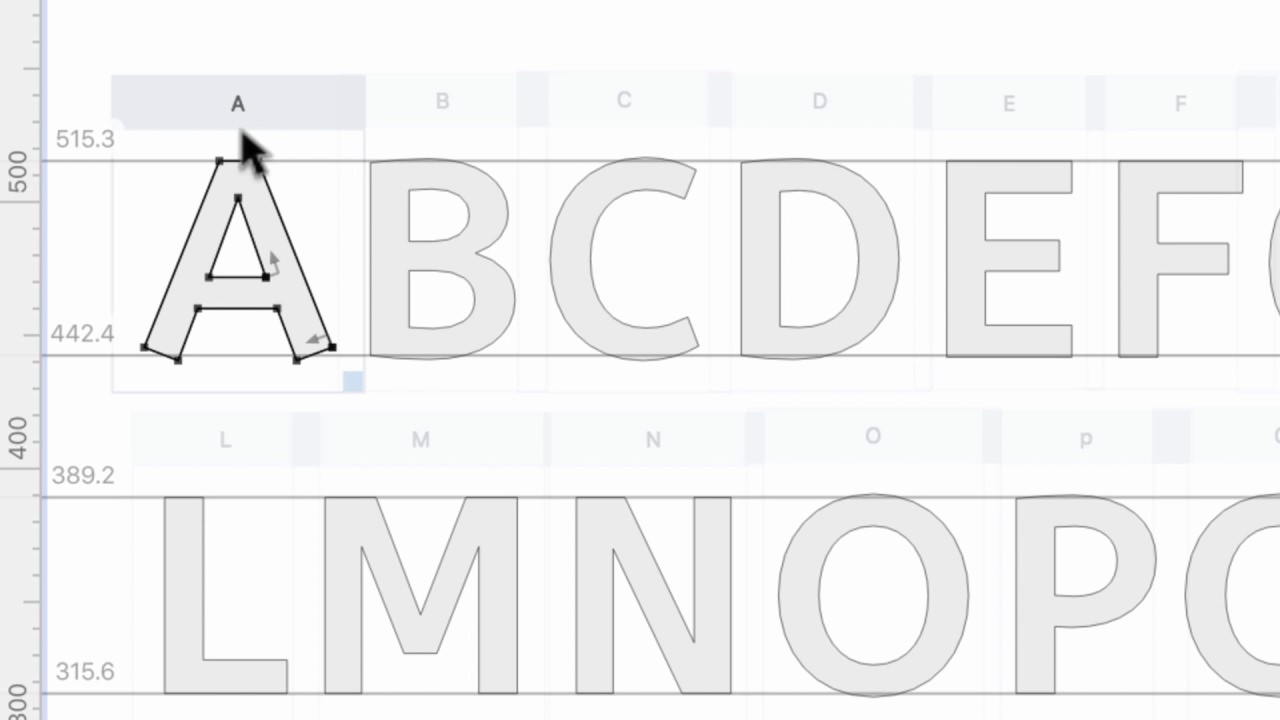
ScanFont used to be a separate app. Starting with FontLab VI, its functionality lives directly inside the font editor. The workflow is simple:
- Paste a bitmap image into a glyph cell.
- Adjust the tracing threshold.
- Generate vector outlines from the grayscale artwork automatically.
The video shows how to move from a scanned sketch to a traced outline to a cleaned-up glyph in seconds per letter. The tracing isn’t perfect. You still need to do some hand cleanup. But it removes the most tedious part of digitizing hand-drawn type.
For lettering artists, calligraphers, and designers who work analog-first, this integration makes FontLab a practical bridge between the sketchbook and the font file. This feature carries forward into FontLab 7 and FontLab 8, where the image import and tracing workflow has been further refined.
Watch the full demo on FontLab TV.