
Introducing FontLab 7: the pro font editor, evolved

FontLab 7 is a major upgrade to FontLab VI, arriving after a summer and autumn of concentrated work, with more than 250 new features, fixes, and improvements.
FontLab 7 is a major upgrade to FontLab VI, arriving after a summer and autumn of concentrated work, with more than 250 new features, fixes, and improvements.
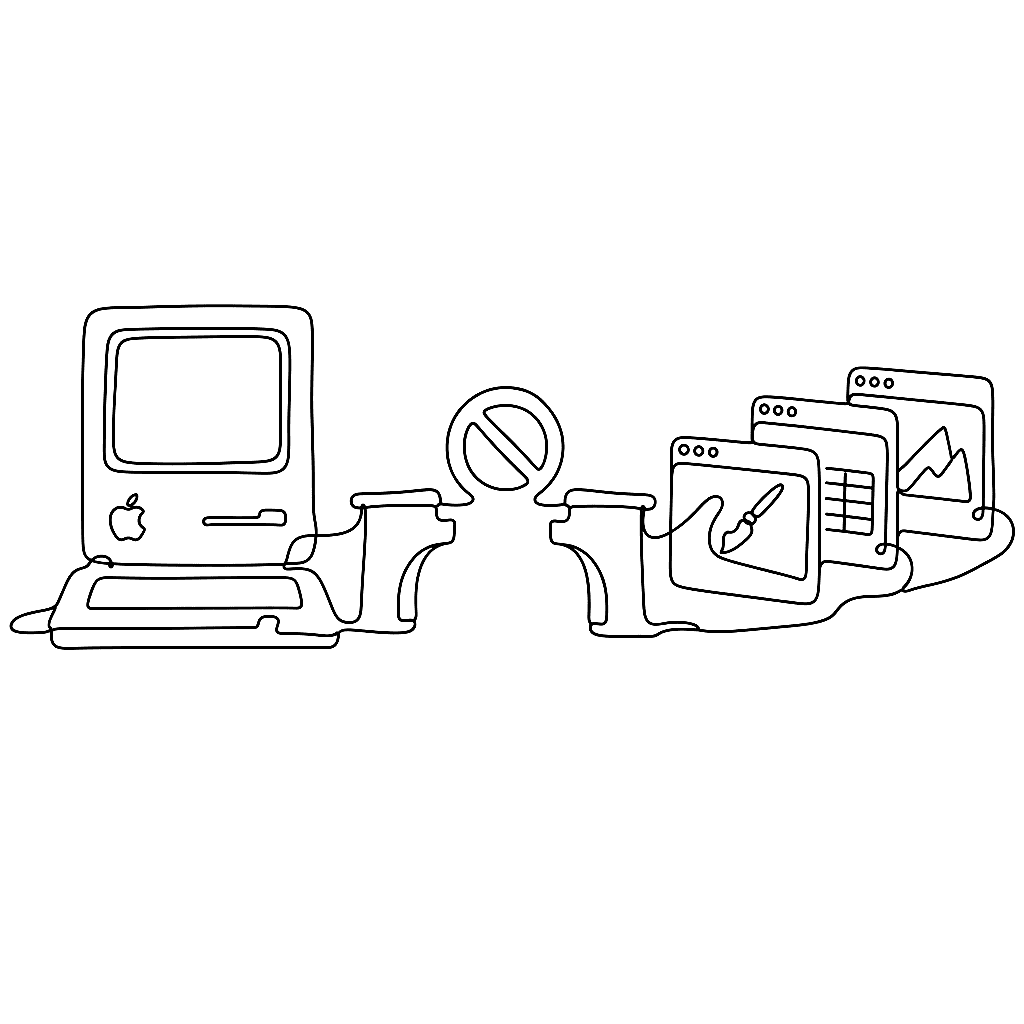
macOS 10.15 Catalina drops all 32-bit app support, which means FontLab Studio 5, Fontographer 5, TypeTool 3, and BitFonter 3 for Mac will not run on it — and porting them to 64-bit is not feasible. If you are on Catalina, your options are CrossOver Mac 19 (run the Windows versions via a thin emulation layer), a virtual machine running an older macOS or Windows, or upgrading to the 64-bit FontLab 7.
FontLab VI 6.1.4 adds high-precision segment editing, a snapping Knife, smarter glyph deletion — and, the headline, the ability to open and export .glyphs files on both Mac and Windows.
We have released Mac updates for FontLab Studio 5 (5.1.6), TypeTool (3.1.3) and Fontographer (5.2.4), fixing font open/export and copy-paste problems on recent macOS releases.
FontLab VI 6.1.3 is faster and leaner — up to 2× quicker to open and save, using up to 40% less memory — with sharper editing, better class and feature handling, and Sketchboard text frames.
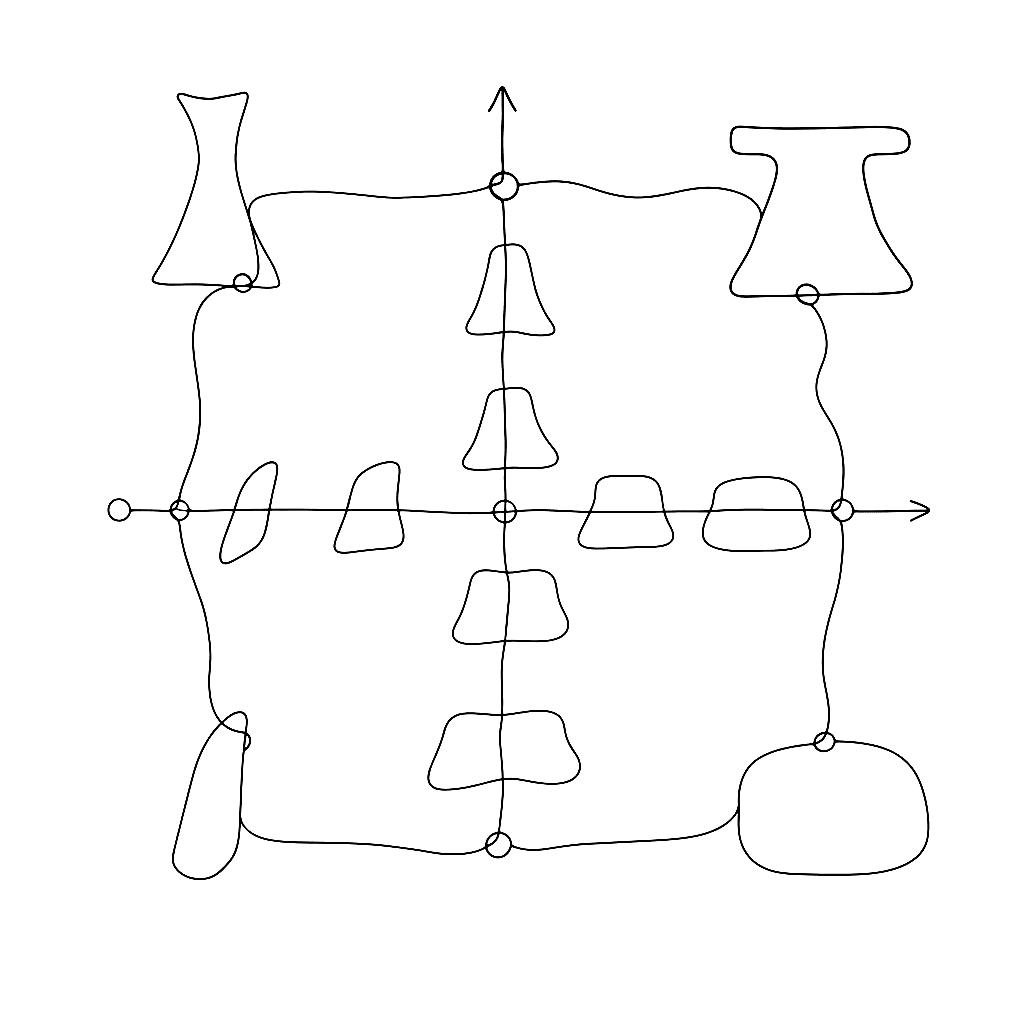
Variable fonts force you to think in multiple dimensions at once. This four-minute video shows exactly how to set up a design space with axes and masters in FontLab VI. It gives you a concise, visual introduction to the core concepts behind variable font production.

This two-minute demo of the built-in ScanFont feature has over 40,000 views. It earns that attention by showing something genuinely useful in record time. You scan or photograph hand-drawn letterforms, paste them into FontLab, and the software traces them into editable outlines.