FontLab 7: a year in updates

FontLab 7 launched in December 2019 with over 250 new features. Twelve months later, it has rather more than that. Here is what the 2020 update cycle actually delivered — not counting FontLab 7.2, which has its own post.
FontLab 7 launched in December 2019 with over 250 new features. Twelve months later, it has rather more than that. Here is what the 2020 update cycle actually delivered — not counting FontLab 7.2, which has its own post.
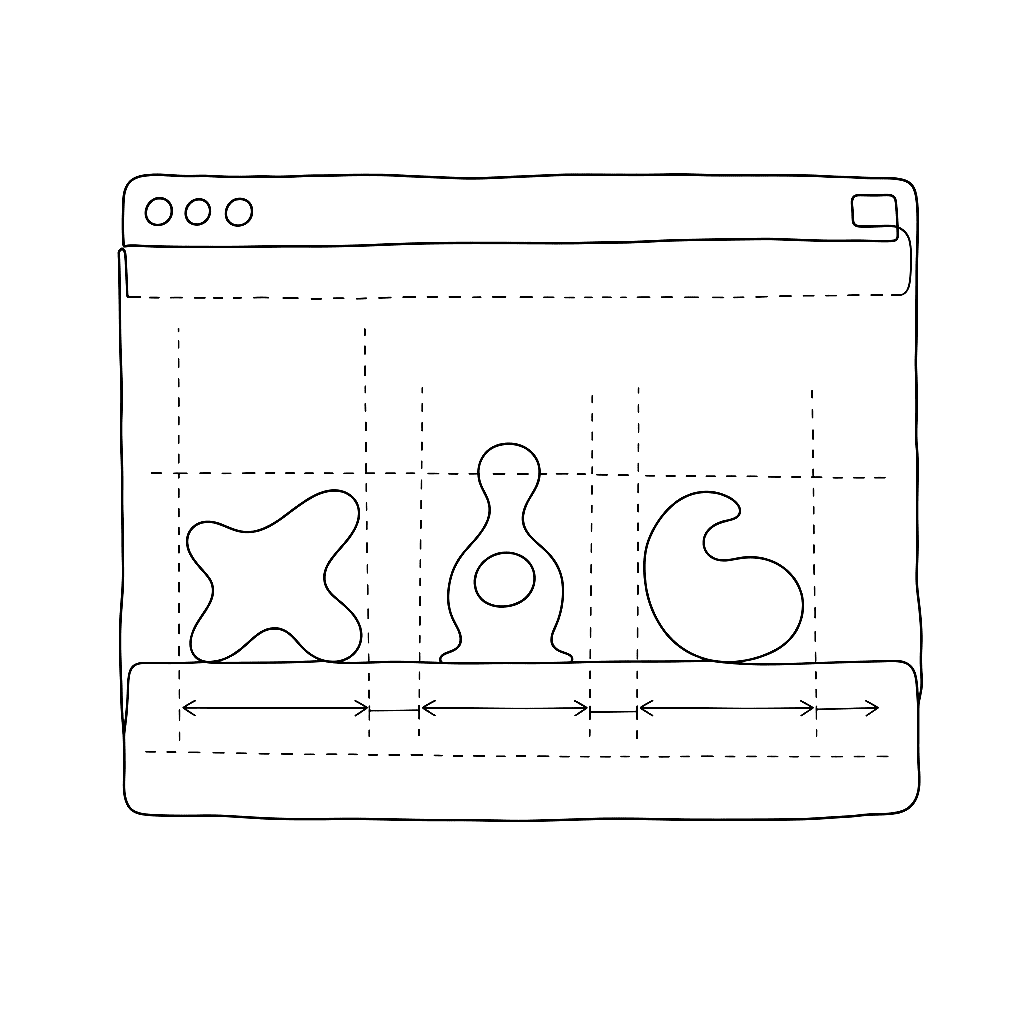
Spacing is the invisible work that determines whether a font feels effortless or labored to read. This five-minute tutorial from Dave Lawrence’s FontLab 7 series strips the topic down to its essentials: what sidebearings are, how to set them in the metrics window, and how to evaluate spacing visually as you work.
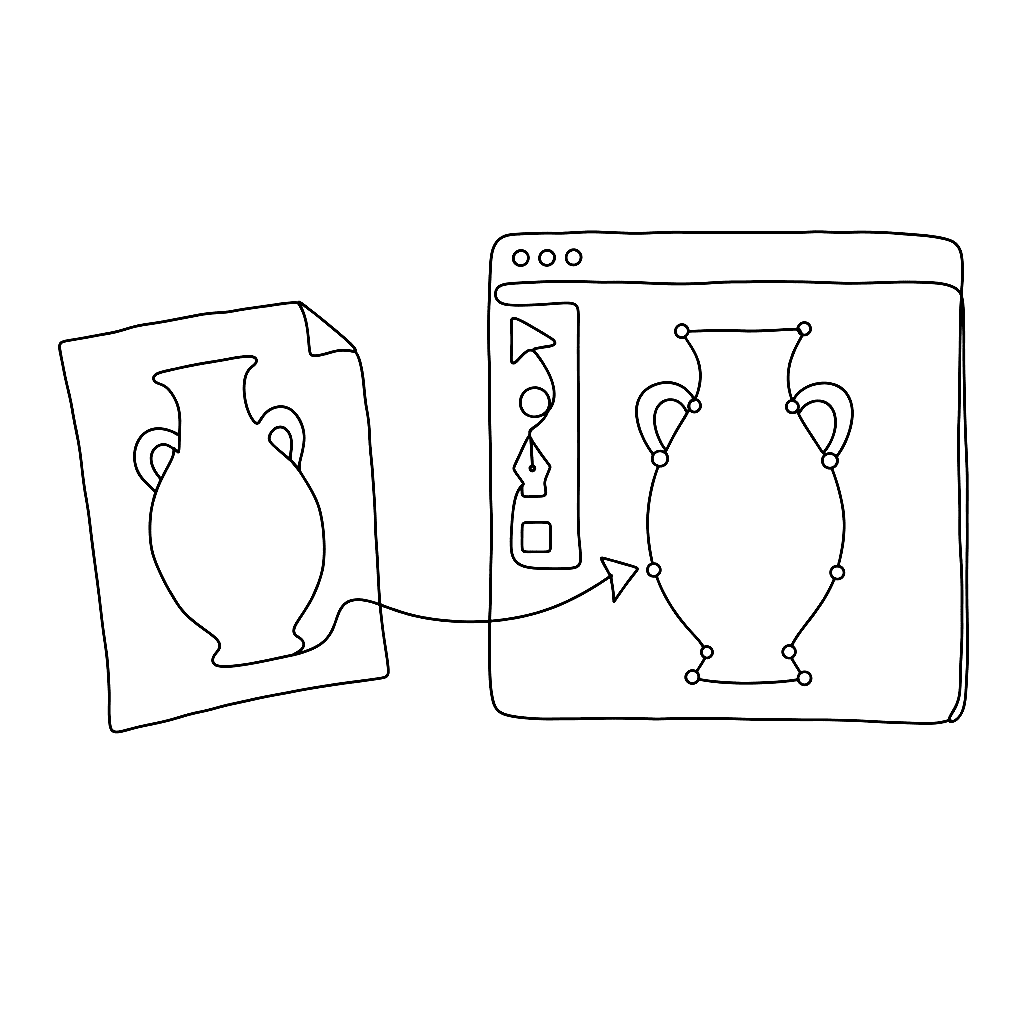
Most type designers don’t draw directly in the font editor — they sketch in pencil, refine in Illustrator or Affinity Designer, then need to get that artwork into FontLab cleanly. This eight-minute video from Dave Lawrence’s FontLab 7 series shows exactly how.
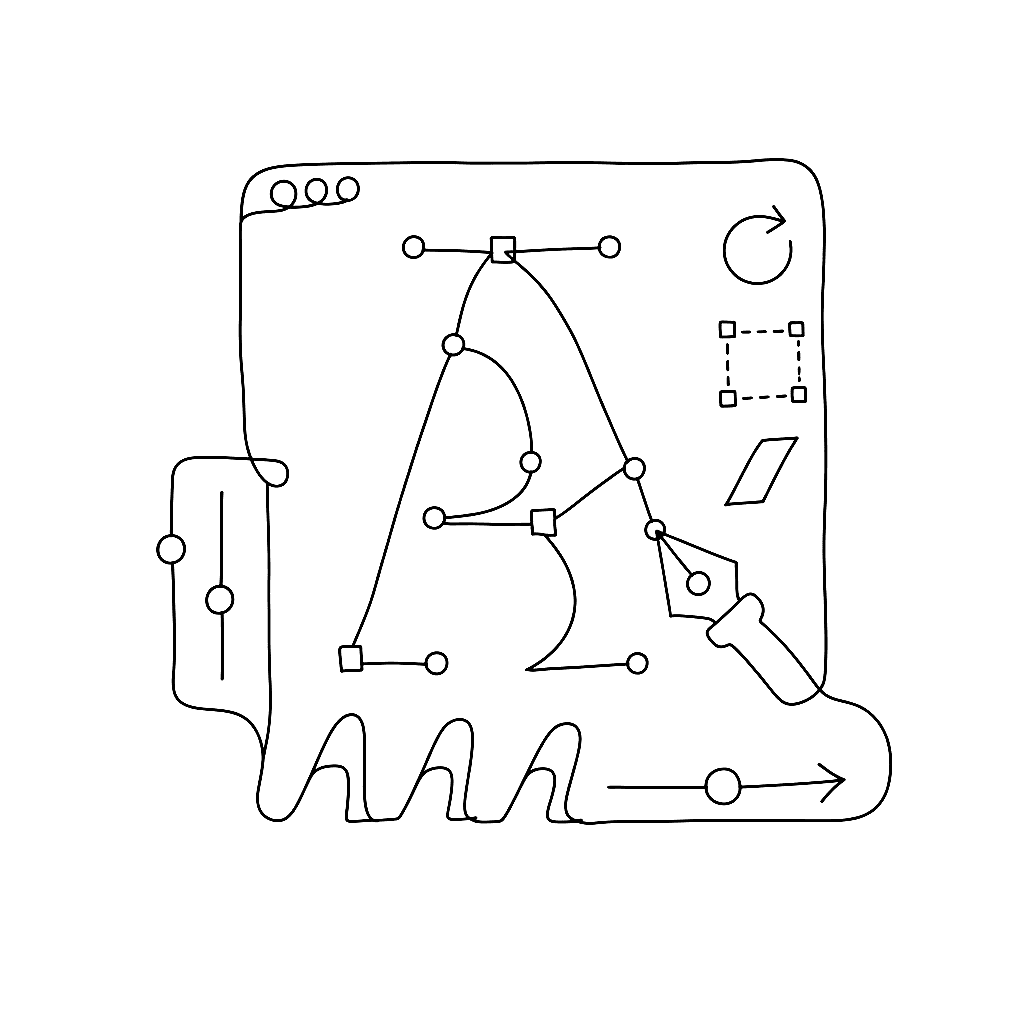
FontLab 7.2 is a free update with 120 new or improved features. The headline: interpolation now runs 30× faster. New tools include Rotate, Scale, and Slant; an adaptive freeform grid with Suggest Distance; variable and attached components; visual OpenType feature proofing; and Microsoft VOLT integration. Existing FontLab 7 users get it free; FontLab VI users can upgrade for $99.

FontLab 7.1 landed in March 2020 as a free update to all FontLab 7 users, delivering over 70 new and improved features and 80 fixes across five point releases between March and August 2020. The headline additions — ink traps, harmonized handles, looped corners, and quick measurement — gave designers finer control over node behavior and optical geometry than any prior version.