FontLab Studio 5, Fontographer 5 and TypeTool 3 on macOS 10.15 Catalina

macOS 10.15 Catalina drops all 32-bit app support, which means FontLab Studio 5, Fontographer 5, TypeTool 3, and BitFonter 3 for Mac will not run on it — and porting them to 64-bit is not feasible. If you are on Catalina, your options are CrossOver Mac 19 (run the Windows versions via a thin emulation layer), a virtual machine running an older macOS or Windows, or upgrading to the 64-bit FontLab 7.

Our current apps — FontLab 7, FontLab VI, TransType 4, FontLab Pad — work fine on Catalina. When you run them for the first time, Ctrl+click the app icon and choose Open, then confirm.
All our apps also work fine on Windows, from Windows 7 (in some cases even XP) through Windows 10, with no trouble on the horizon.
Upgrade your classic font editor to FontLab 7
We spent over five years building FontLab 7. It combines the best of FontLab Studio 5 and Fontographer 5, adds support for variable and color OpenType fonts, and is a major upgrade to FontLab VI — six years of development, battle-tested since the VI release in 2017. FontLab 7 is our modern 64-bit, Retina-ready font editor.
If you’ve been hesitant about upgrading — do it now.
- From FontLab Studio 5 for $199
- From Fontographer 5 for $229
- From TypeTool 3 for $415
32-bit apps no longer run natively on macOS Catalina
FontLab Studio 5.1.6, Fontographer 5.2.4, and TypeTool 3.1.3 are the definitive versions of these apps for the Mac — visit their pages to get the latest builds if you’re on an older one.
All three classic font editors carry code from 1999 or earlier. That heritage makes them fast and stable, but it also means they rely on techniques Apple no longer supports. Porting FontLab Studio 5, Fontographer 5, and TypeTool 3 from PowerPC to Intel in 2010 took two years and roughly eight developer-years of effort. A 32-bit to 64-bit port is not feasible in weeks or months.
BitFonter 3 runs natively on Windows only.
Don’t upgrade to Catalina yet
If you rely on 32-bit Mac apps, our first recommendation is: don’t upgrade to macOS Catalina right away. A fresh OS release is rarely the moment to jump, especially one that removes this much. Evaluate your options first.
If you’re happy on Mojave, High Sierra, or an older macOS, stay there for now. If you’ve already upgraded but have Time Machine backups, you should be able to downgrade.
If you have Catalina
If you’ve upgraded to Catalina — or bought a new Mac with it pre-installed — there are ways to keep using FontLab Studio 5, Fontographer 5, TypeTool 3, and BitFonter 3:
-
Codeweavers CrossOver Mac 19 or newer — a thin emulation layer that runs 32-bit Windows apps on Catalina without a full virtual machine. Contact us to cross-grade your Mac license to a Windows license, then install the Windows version of the app inside CrossOver. The whole setup — CrossOver, the Windows bottle, and the FontLab apps — takes under 1 GB of disk space.
-
Virtualization with an older guest macOS — use Parallels Desktop, VMWare Fusion, or Oracle VirtualBox to run macOS 10.14 Mojave, 10.13 High Sierra, or 10.12 Sierra inside a virtual machine. Install your 32-bit apps there. They’ll run at near-native speed with full access to your files.
-
Virtualization with Windows — same virtualization apps, but running Windows 10, 7, or XP as the guest. Contact us to cross-grade your Mac license to a Windows license.
-
Upgrade to FontLab 7 — the clean break.
CrossOver Mac 19
[Updated March 20, 2020]
Codeweavers CrossOver Mac 19 runs on Catalina and lets you run 32-bit Windows apps without installing Windows. The Crossover app, emulation bottle, and FontLab apps together take under 1 GB. CrossOver uses far less RAM than a full virtual machine, and the apps run at native speed.
The trade-off: Windows apps on Crossover still look and behave like Windows apps.
We’ve tested FontLab Studio 5, Fontographer 5, TypeTool 3, and BitFonter 3 with CrossOver 19 — they run fine. Contact our sales for cross-grade pricing from Mac to Windows versions.
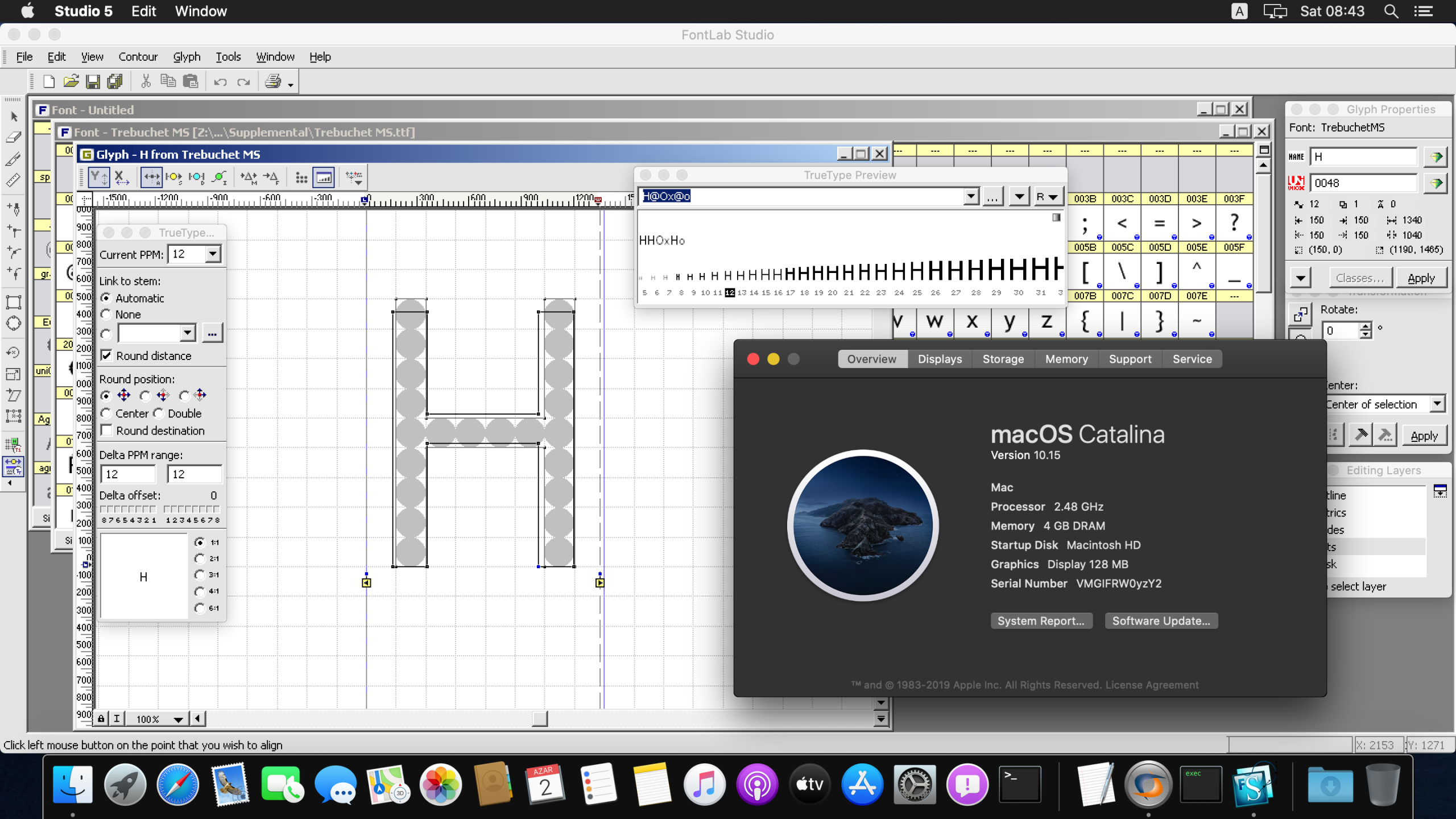
Videos: how to run classic FontLab apps on macOS Catalina
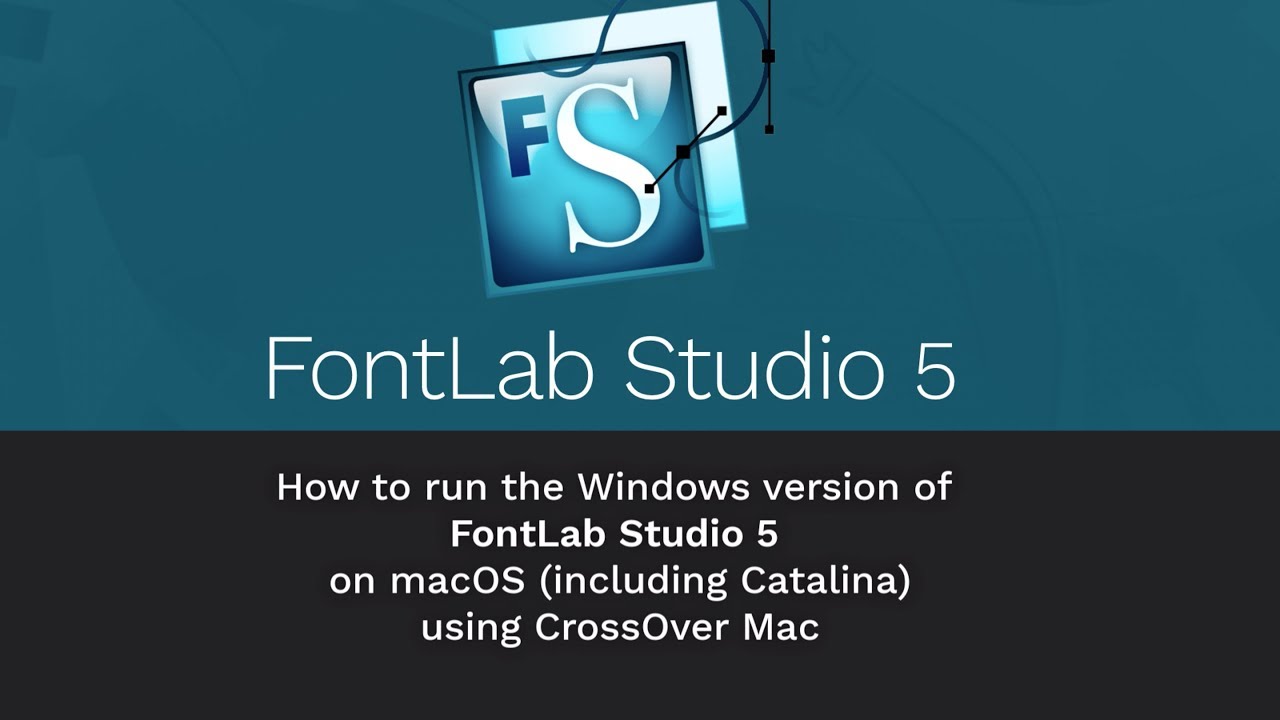
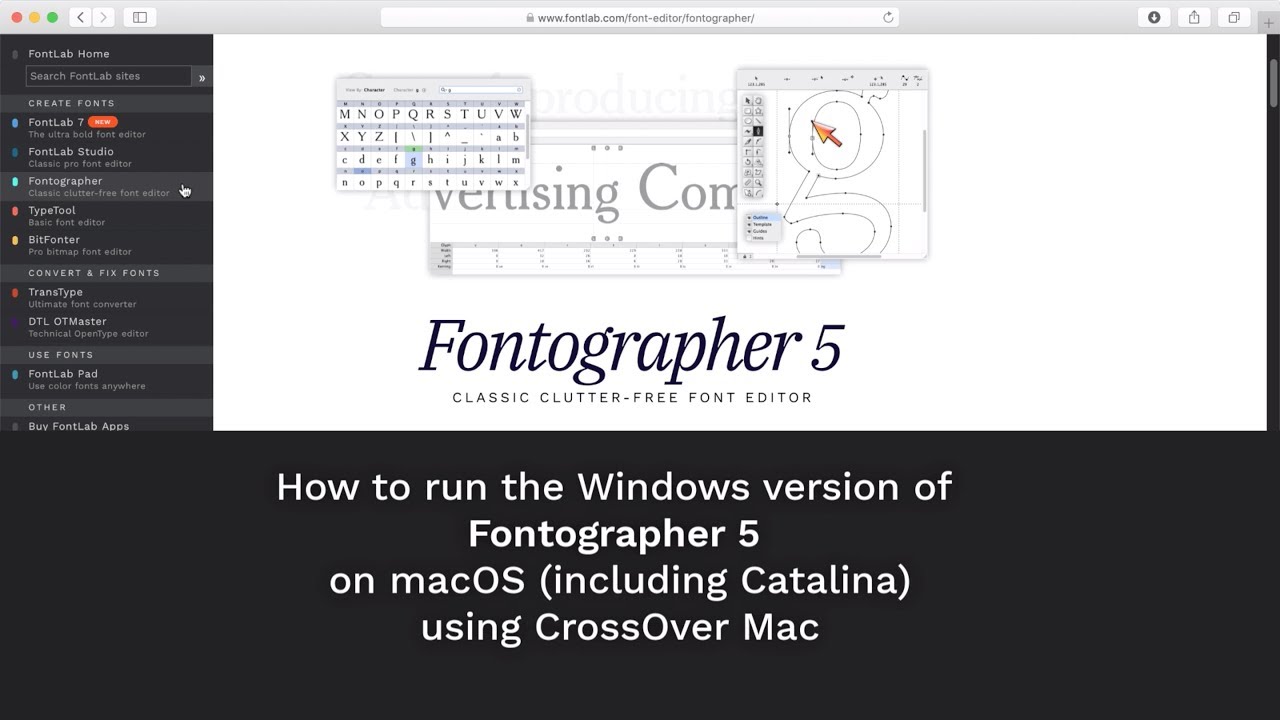
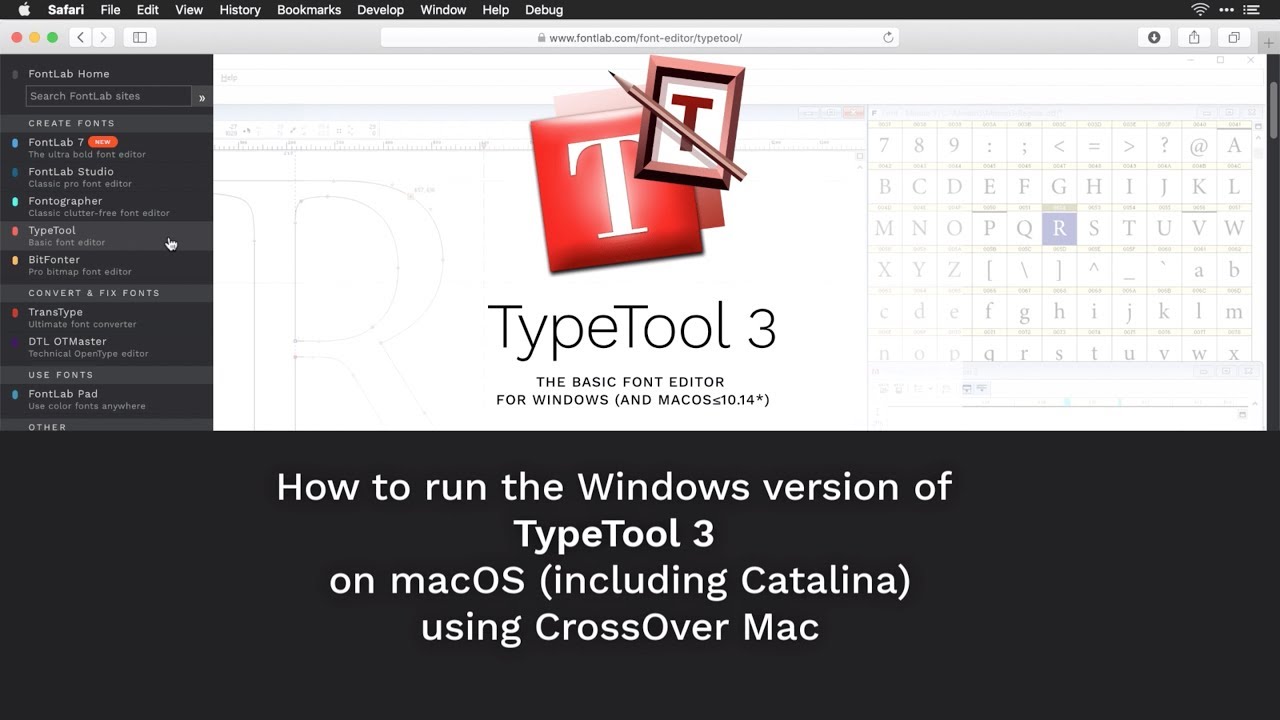
The videos below show how to run FontLab Studio 5, Fontographer 5, TypeTool 3, and BitFonter 3 on macOS Catalina using Codeweavers CrossOver Mac 19 or newer.
Note: CrossOver costs $24.95–$49.95. You also need to install the Windows version of the FontLab app. We don’t offer technical support for our Windows apps running inside CrossOver.
Summary
- FontLab Studio 5.1.6, Fontographer 5.2.4, and TypeTool 3.1.3 are the final Mac versions of these apps.
- They do not run natively on macOS 10.15 Catalina, and will not.
- If you’re not pressed to upgrade to Catalina, don’t. Evaluate your options first.
- On Catalina: CrossOver Mac 19 is the lightest-weight option. Parallels Desktop, VMWare Fusion, or VirtualBox let you run a guest macOS or Windows — see the detailed guide below.
- We recommend upgrading to FontLab 7, our modern 64-bit font editor for macOS and Windows.