Ghosts in the machine — drawing with strokes
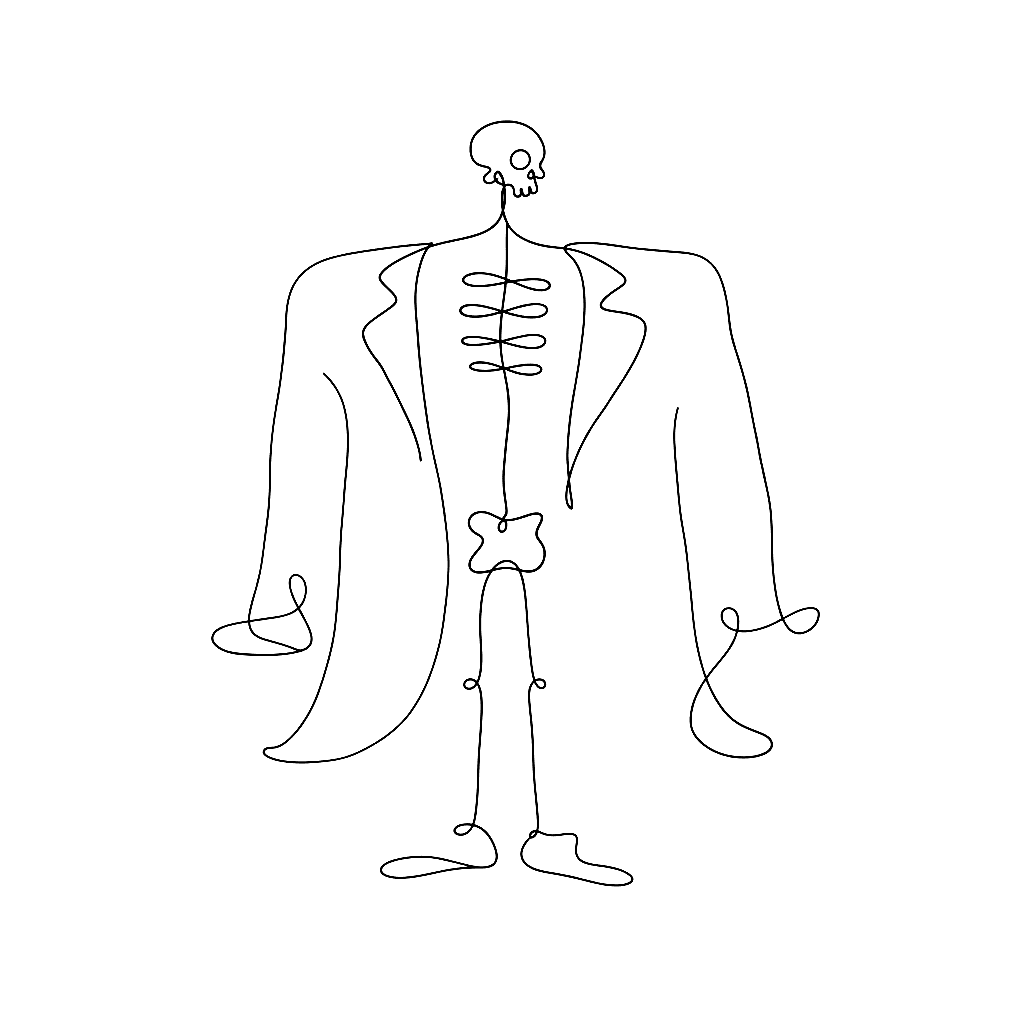
The standard method for digitising a font is to draw the outline. You map the exterior boundary of the shape with Bezier curves, and you push and pull nodes until the silhouette behaves. This works fine for rigid sans-serifs. For a script font, it feels like sculpting in oven mitts.
FontLab 8 sidesteps the problem entirely. Instead of drawing the skin, you draw the skeleton — a single central line, the nervous system of the glyph — and FontLab projects a live, editable thickness over it. The Power Brush traces an ellipse along the path, mimicking a broad-nib pen at a fixed angle. The Power Stroke takes a different tack: it treats the expanded thickness as a virtual contour, so you can pull a stroke thicker on the inside of a curve while keeping the outside tight. Asymmetric expansion, controllable per node.
For local modulation there is the Thickness tool. With a pressure-sensitive tablet, the stroke swells and tapers in real time as you press the stylus. The software translates the analog feedback of the human hand into reproducible mathematics, which is the whole game.
If you prefer to start on paper, FontLab’s Autotrace is tuned for typography rather than logos. Drop a sketched alphabet onto the Sketchboard, and the algorithm converts the photograph to vectors with a sense of which marks are intentional serifs and which are stray pencil lines. It is not perfect — no autotracer is — but it crosses the gap between the sketchbook and the grid in seconds.
The deeper point is that calligraphic typefaces are skeletal in conception long before they are outlined. Tools that respect the skeleton respect the design.
References
- Drawing in FontLab — calligraphic basics
- FontLab 8 — overview
- Bezier curves and type design — scannerlicker
- What’s new in FontLab 8