The Vexy Lines pipeline into FontLab
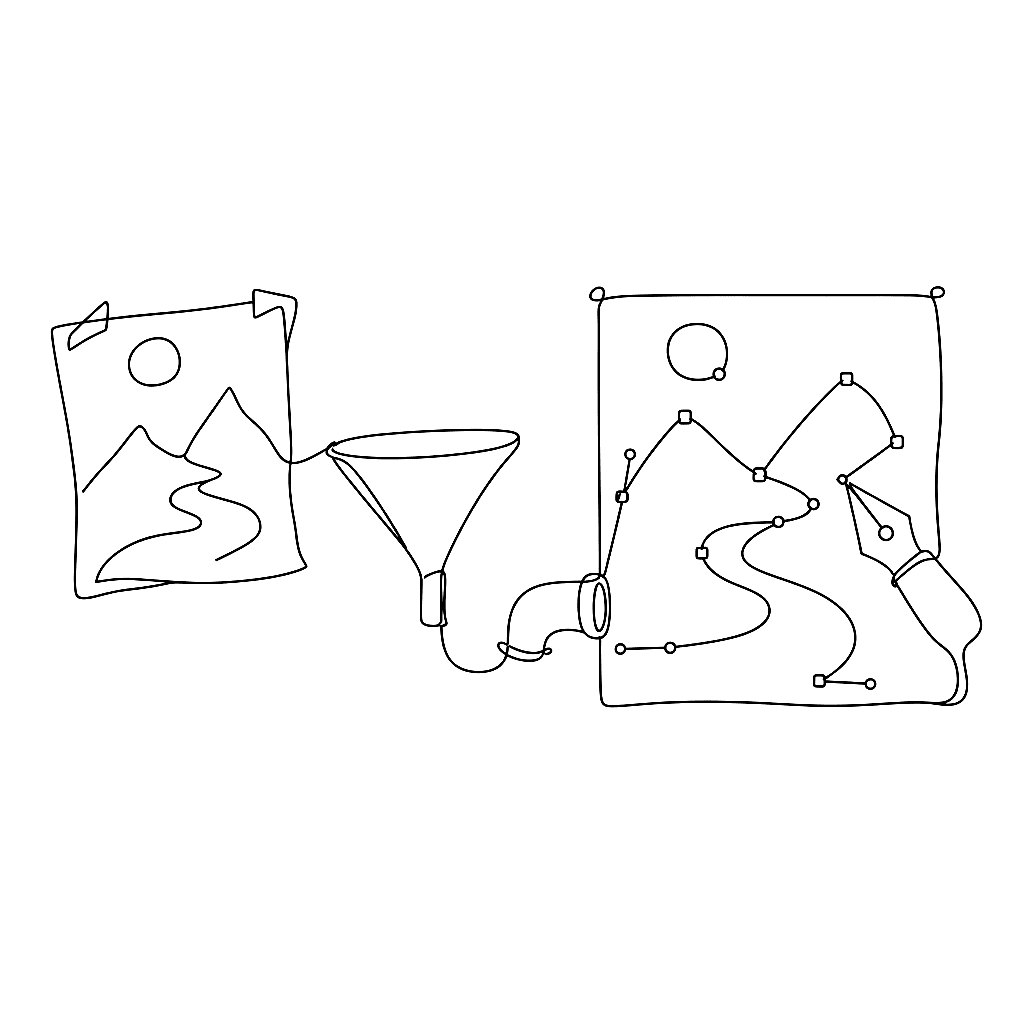
Vexy Lines is not a font tool. It is a vector generator that happens to play unusually well with type-design tools.

The interesting workflow is round-trip. Start with a sketch or photograph. Drop it into Vexy Lines, pick a fill — Trace, Linear, Halftone — and tune the parameters until the geometry looks the way it ought to. Export SVG. Drop the SVG into FontLab 8’s Sketchboard, the unlimited canvas where designers stage glyphs before committing them to the font.
From there, the workflow depends on intent. Engraved-style display letters can be assembled from Trace fills directly: Vexy Lines extracts the contour structure from a hand-drawn sketch, FontLab 8 cleans up the curves and assigns the result to a glyph. Halftone or stipple textures can become decorative inlays for chromatic letters, layered through FontLab’s Colors panel into a COLRv1 colour font that ships with the textured fill baked in.
The text-fill mode goes the other direction. Set a phrase in a variable font exported from FontLab 8. Drop a portrait into Vexy Lines as the background. The text fill drives the variable font’s weight axis from the image luminance: dark areas of the photograph render with the Black weight, bright areas stay Extra Light. The result is a typographic texture where the letters themselves modulate to form the picture, all still vector.
The connection both ways is that everything stays editable. Vexy Lines exports to SVG. FontLab imports SVG. Both speak the same coordinate space. Neither flattens the work into a raster until you tell it to. A poster, a specimen, or an experimental display face can move between the two tools as many times as the design needs without losing fidelity.
The pipeline is short. The amount of fun you can have with it is not.
References
- Vexy Lines — overview
- Vexy Lines knowledge base
- FontLab 8 Sketchboard
- FontLab 8 — overview