Variable fonts in motion and interface
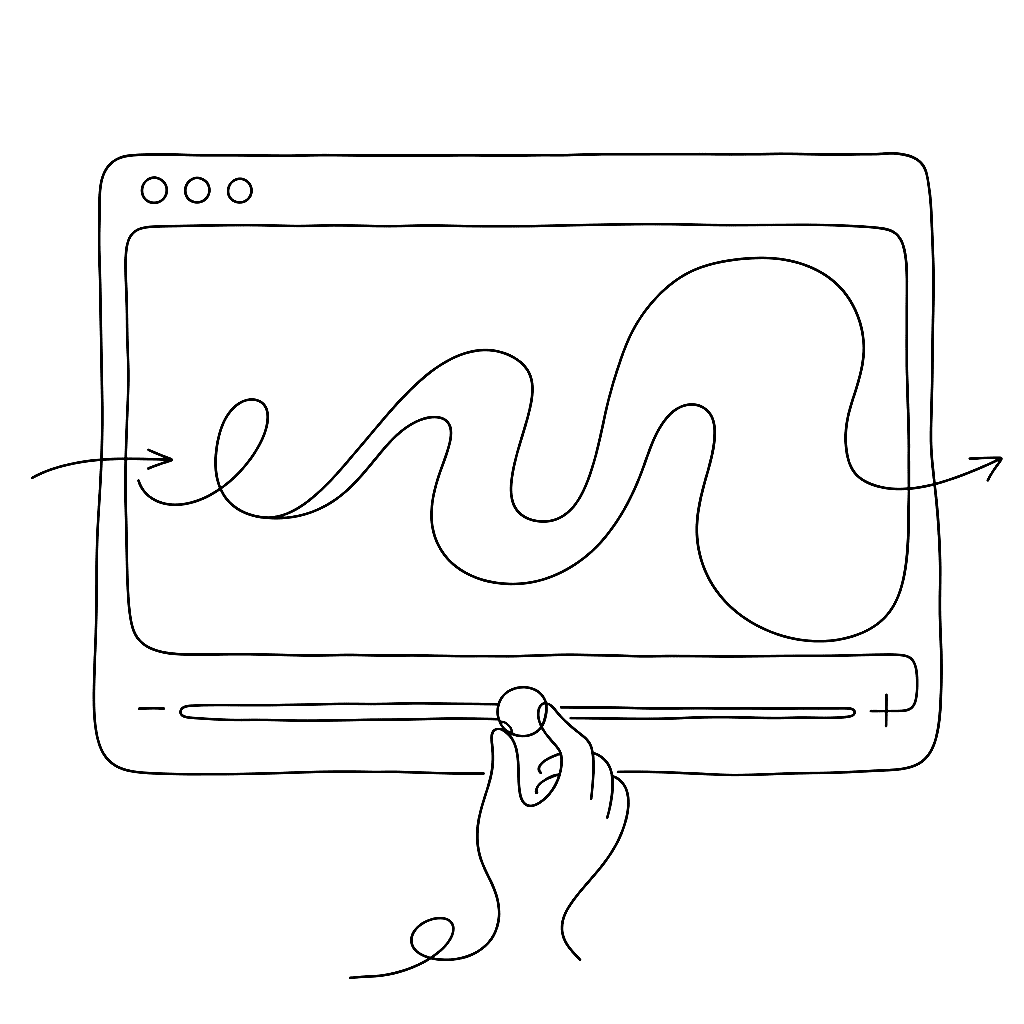
Typography on screen used to mean “pick a weight and hope for the best.” Now the weight can follow the user.
Web and motion tutorials increasingly treat variable fonts as standard tooling, not a novelty. Webflow University, Dinamo’s guides, and other educational pieces walk through using CSS to animate weight and width on hover, scroll, and viewport changes — a single VF file replacing multiple static fonts in interactive layouts. YouTube tutorials demonstrate animating variable fonts in After Effects, driving axes through text animators to create kinetic type where the motion lives inside the font itself.
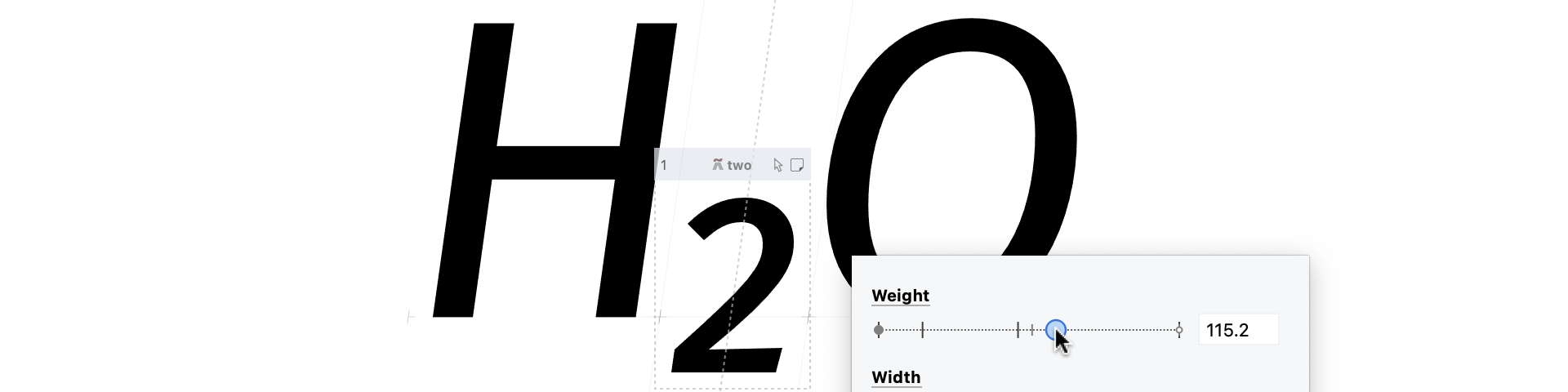
All of that assumes you have a variable font worth animating. FontLab 8’s multi-master and variation tools are designed for exactly this. Open static fonts as masters, map them to axes, preview interpolation directly in the editor before exporting. Reviews keep noting that this matters most for UI and motion work, where intermediate weights and widths are not theoretical — you will see them when a button animates or text reflows.
Some of the most interesting variable axes are not weight or width but contrast, corner roundness, or serif size — parameters that directly affect legibility and brand voice. Korean design-system writers describe using variable fonts to fine-tune label weight and tracking for different screen densities, improving clarity without needing distinct font families. FontLab 8’s support for custom per-glyph variation axes and variable components fits that direction.
On the image side, motion designers mix variable text with generative vector textures — exactly where Vexy Lines lives. Set titles in a variable font from FontLab 8, animate the axes in CSS or After Effects, and use Vexy Lines to turn background imagery into moving fields of lines or dots that share the same directionality and rhythm as the type.
The future the multilingual tutorials describe is already here. The tools just make getting there a little less heroic.