Skip to content

Vexy Lines

Vexy Lines is a Mac & Windows app that transforms raster bitmap images into highly expressive, razor-sharp vector artwork, and export the results as infinitely scalable crisp SVG or PDF files perfectly optimized for print, vinyl cutting, laser engraving, or screen printing.

Vexy Lines has over a dozen sophisticated algorithmic fills: linear engraved lines, waves, radials, spirals, halftones, scribbles, fractals, text patterns, and handmade directional strokes, which dynamically pull their thickness and optional colors directly from the source image.

Discover Vexy Lines

Vexy Lines

Make your pixels vexy. Play with lines.

Two halftone portraits from the Vexy Playlines landing page

Vexy Playlines turns any photo into vector art in the browser: drop an image, pick one of fourteen algorithmic fills, from classic linear or dotted halftones, to stipple, low-poly, wireframe, ASCII. Drag a slider or two, export SVG! Five fills are free with no sign-up, nothing to install; nine more unlock with a FontLab Pass. Try the quick little cousin of our Mac and Windows Vexy Lines app — built for the ten-minute detour that eats an afternoon.
Vexy Lines

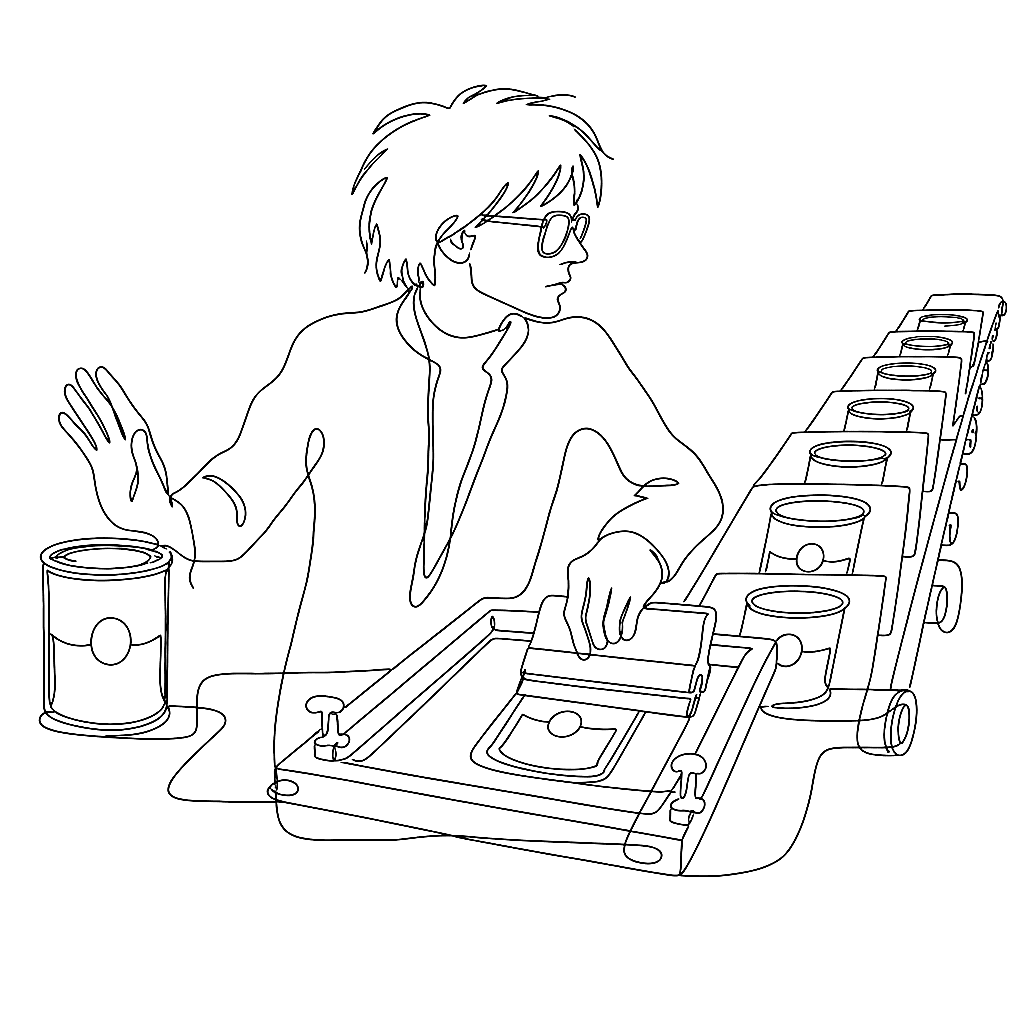
Poor print produces pretty posters

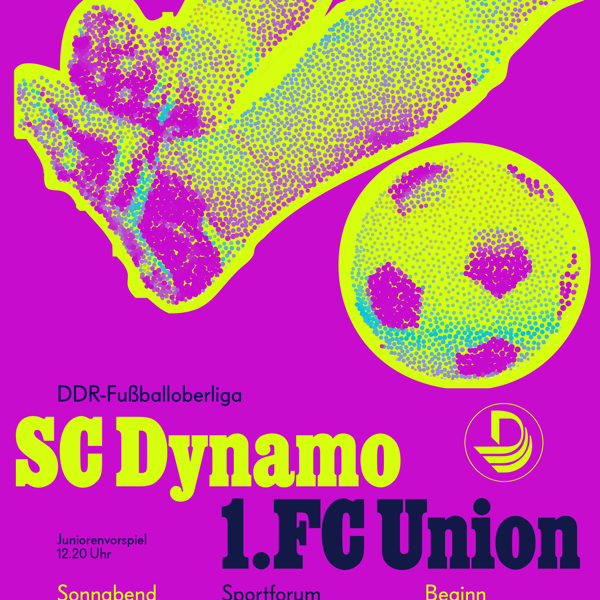
The brutalist remix of Kapr’s 1977 football poster: fluorescent stochastic halftone

In 1977, Albert Kapr squeezed poster style out of cheap GDR paper and a one-colour press. The Vexy Lines case study: retro poster scans his SC Dynamo sheet, rebuilds the halftone photo into a vector signal where stroke thickness answers to luminance, and pours one photograph into three posters: faithful linear, colour-soaked, and full brutalist for the scrolling feed.

Vexy Lines

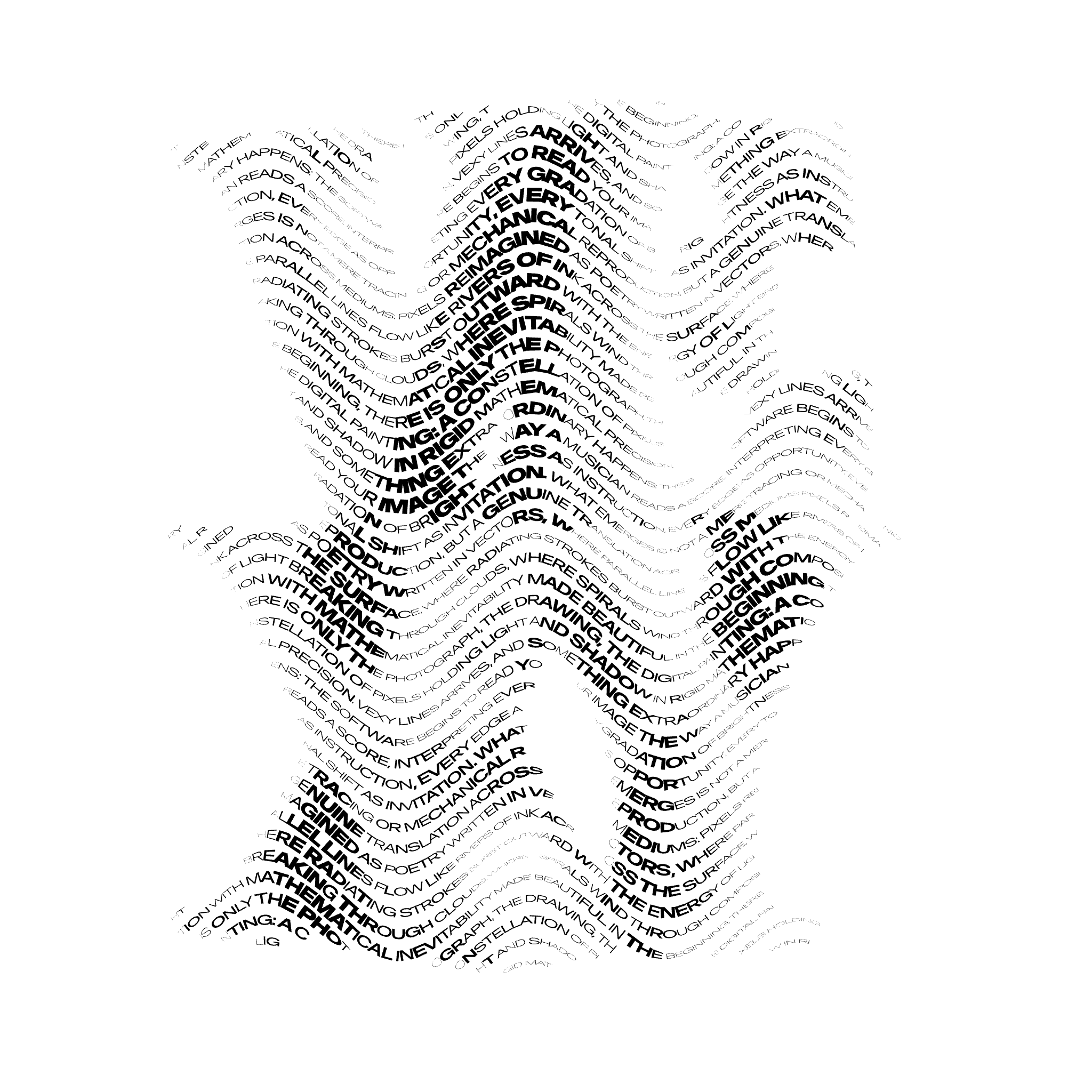
Type that reads the picture underneath it

A flame rendered entirely from variable-font text, each glyph at its own instance

With Vexy Lines, you can make the most of your variable fonts. Create expressive typographic arrangements, impactful headlines and font specimens. Check out the Vexy Lines case study: Text fill! It typesets your text along the baselines created by the app’s procedural patterns. Each text glyph picks its font size or variable font instance from the brightness of the image beneath it. Sampled per glyph. Mapped to Weight, Width, Optical Size, or any other axis. Exported to SVG & PDF. For foundries who want to show their design spaces flow along pixels.

Vexy Lines

Vexy Lines 2 is here!

Say hello to Vexy Lines 2, with all-new image filters, a stroke-cutting sharp mask, cross-hatching diamond dots, organic wobble & rough strokes, much faster parameter tweaking, and hundreds of other improvements. If you have Vexy Lines 1, it’s free!

Vexy Lines

The hedcut at 45

In 1979, a Wall Street Journal illustrator named Kevin Sprouls introduced a stipple portrait to the paper. Forty-five years later, the same form is still running on the front page. That is unusual enough to warrant an explanation.

Vexy Lines

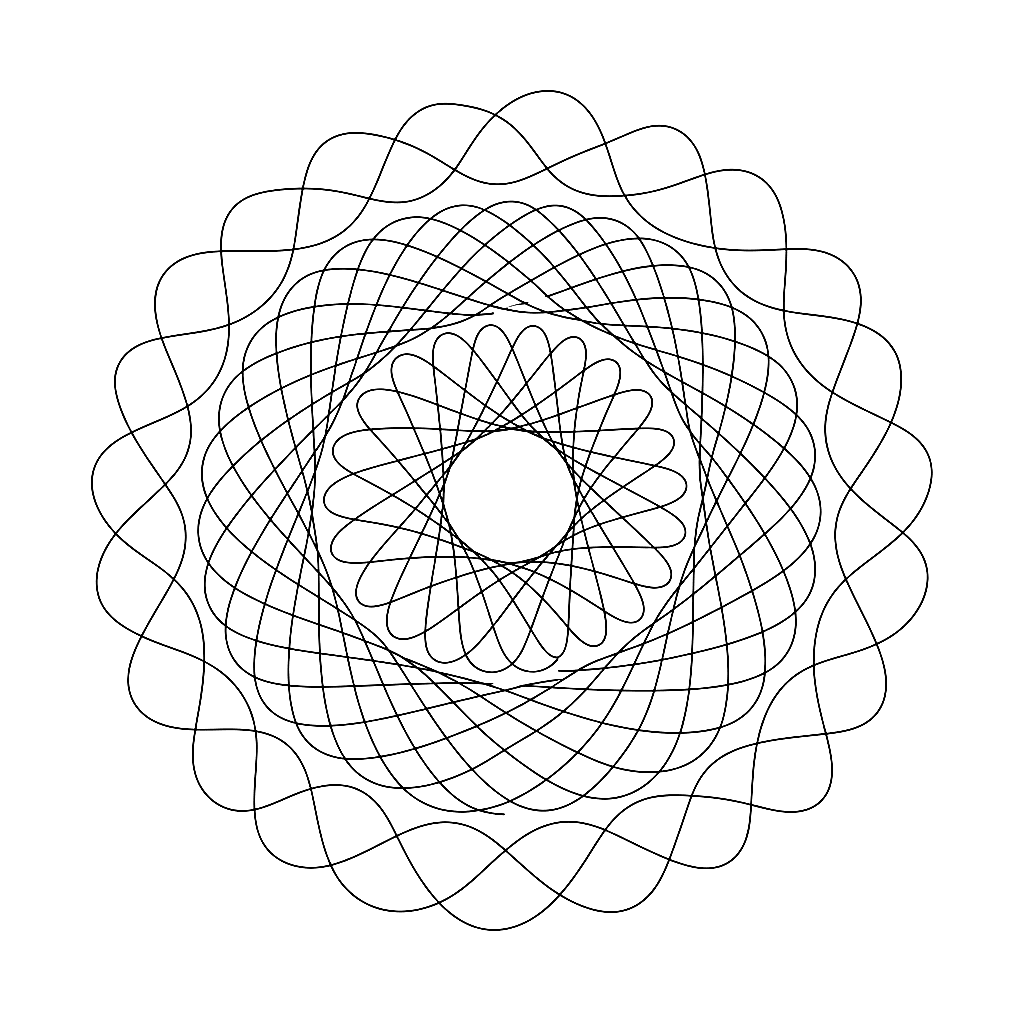
From Spirograph to Fidenza

The generative line has a genealogy. It runs from a physics lecture in 1815 through a children’s toy in 1965 and a university lab in 2001, and it ends — so far — with an algorithm that sold for five million dollars.

Vexy Lines

Seurat and the 220,000 dots

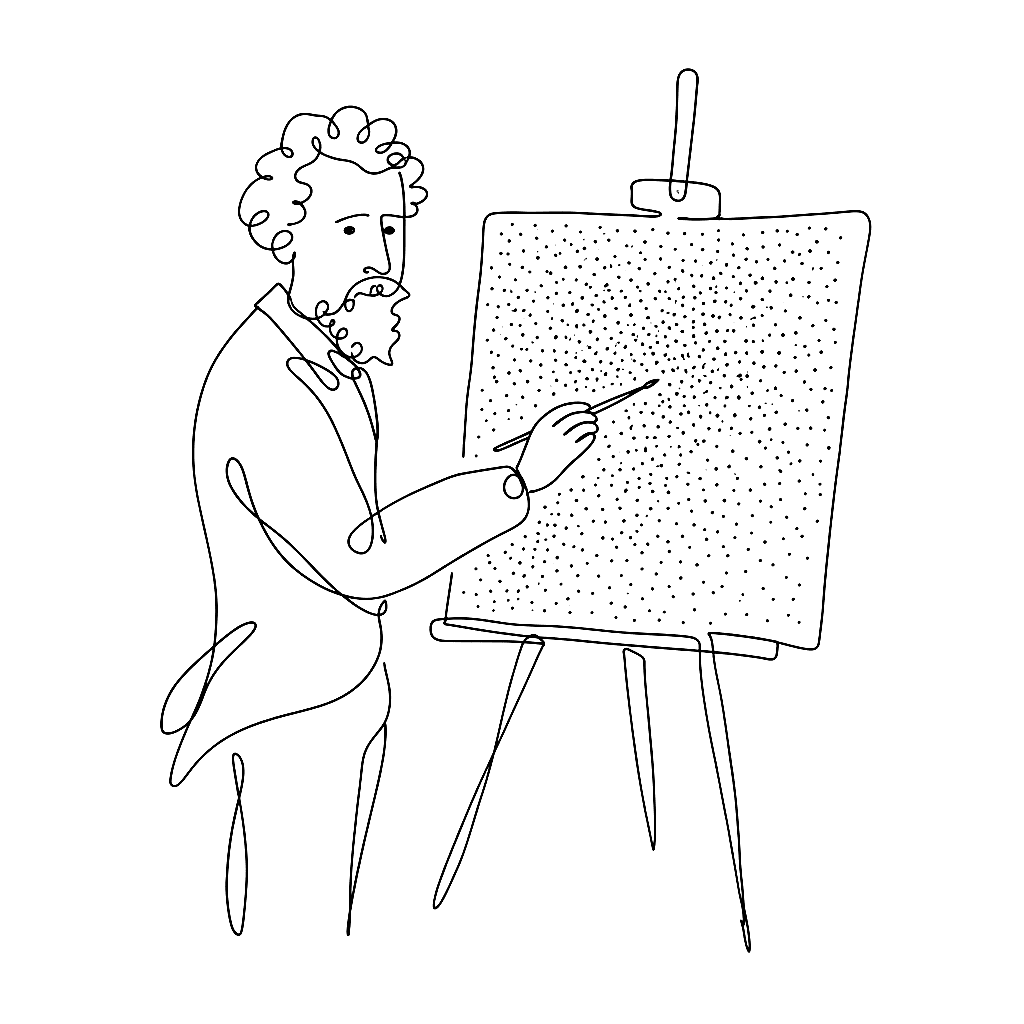
Georges Seurat spent two years applying roughly 220,000 dots to a canvas. The painting works because the dots don’t blend on the canvas. They blend in your eye.

Vexy Lines

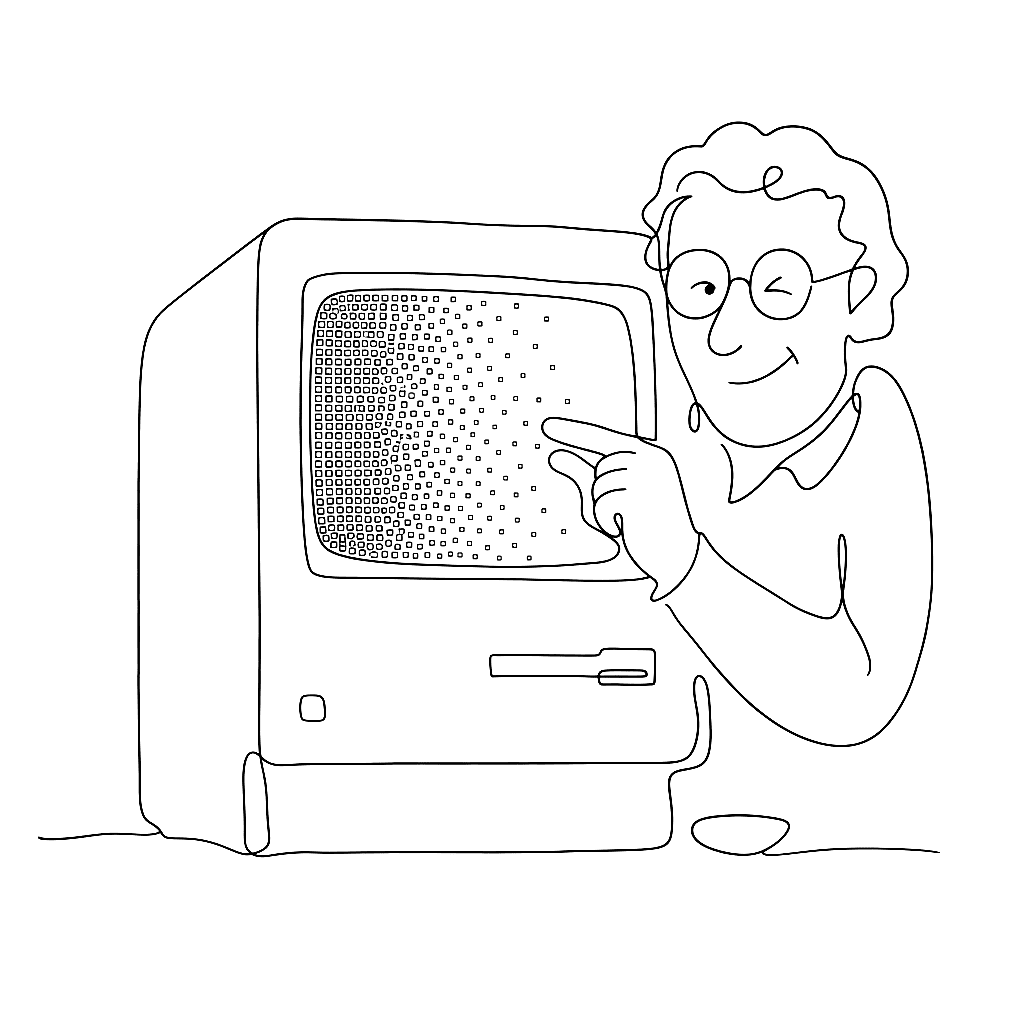
Hello, Vexy Lines

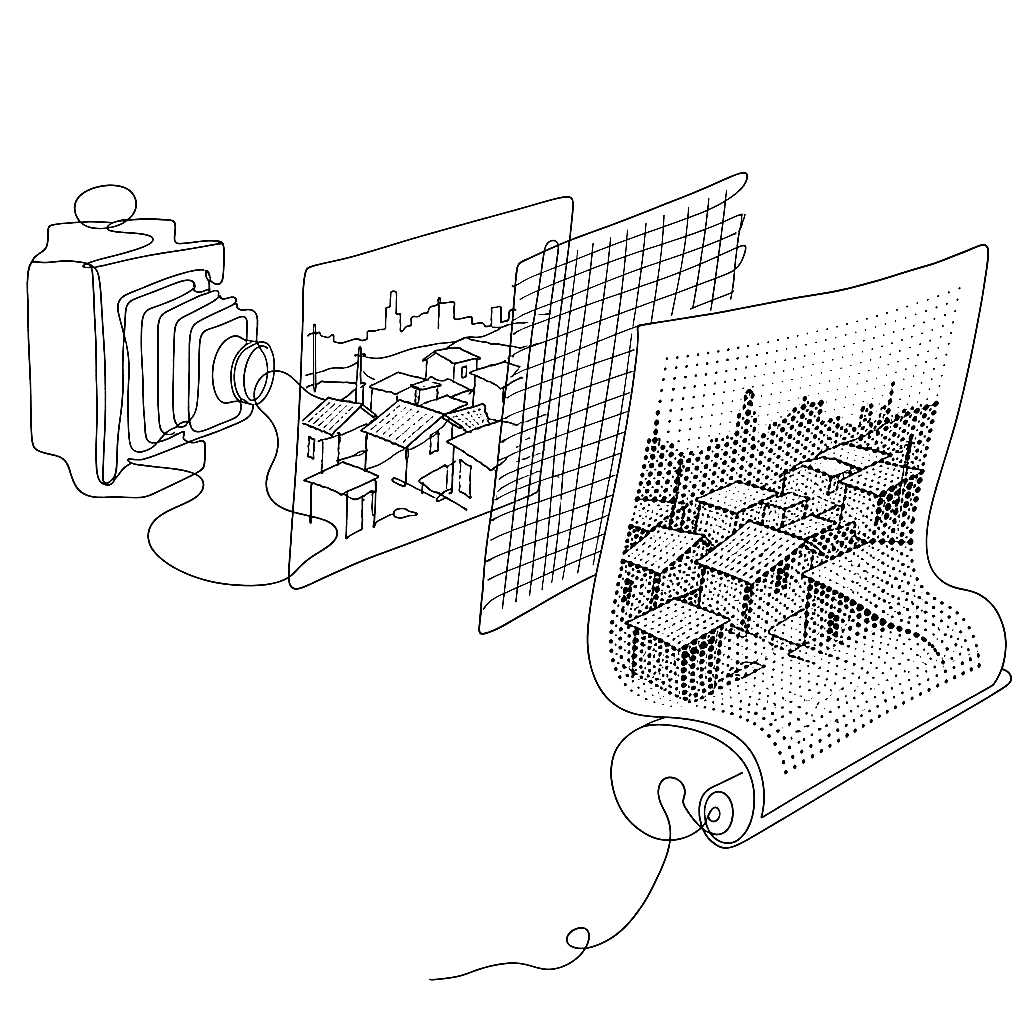
Drop a photo into Vexy Lines, and it hands you back a crisp vector drawing. It reads the brightness of your image and adjusts stroke thickness to match. Dark areas get heavy lines. Light areas get fine ones. It’s simple math, but the results look like magic.