Skip to content

Blog

FontLab

Briem's typography lessons: foundations

Gunnlaugur SE Briem taught type design at the Royal Academy of Fine Arts in Copenhagen in 1996. His notes from that course — precise, practical, free of mystification — have been republished with permission on the FontLab documentation site. Here is a distillation of his opening chapters on why you’d make a font and what the basics actually require.

FontLab

Hello, FontLab 8

Two years into FontLab 7, users had a clear message: the drawing engine is excellent, the variable font support is solid, now make the rest of the application match. FontLab 8, shipping today, is our answer.

FontLab

FontLab 7.2.0.7644 and macOS 12.3 Monterey

Apple’s macOS 12.3 Monterey update broke all previous versions of FontLab 7 by removing the system Python 2.7 that FontLab depended on. FontLab 7.2.0.7644 is a free patch that restores compatibility — macOS 12.3 users need to install a bundled Python 2.7 package alongside the app. A buggy intermediate build (7650) that made glyph fills transparent was withdrawn; 7644 does not have that problem.

TransType

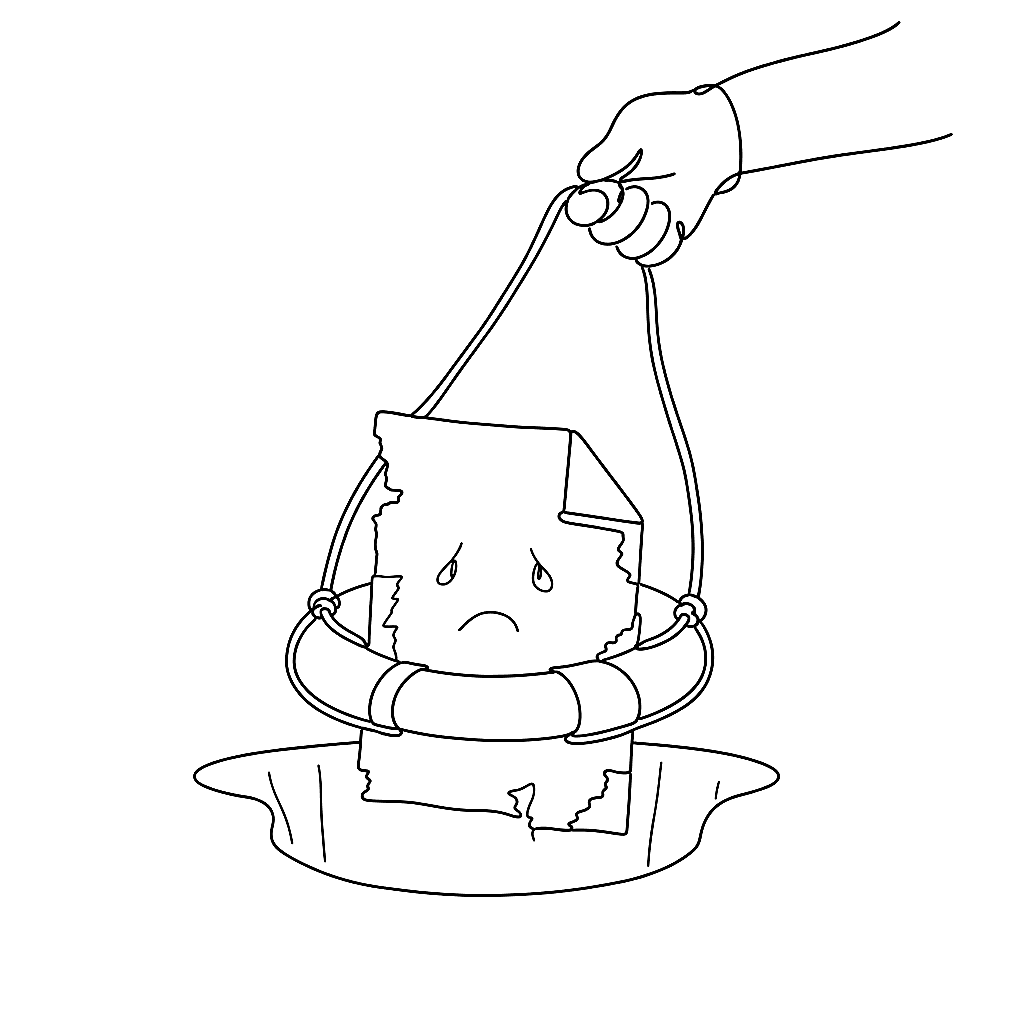
Rescue your PostScript Type 1 fonts

PostScript Type 1 fonts are on their way out. Adobe is ending Type 1 support in Creative Cloud applications in early 2023, and Apple has signalled the same direction in macOS. If you have a library of Type 1 fonts — and many working designers do — now is the time to convert them to OpenType.

FontLab

Make your variable fonts better with FontLab 7

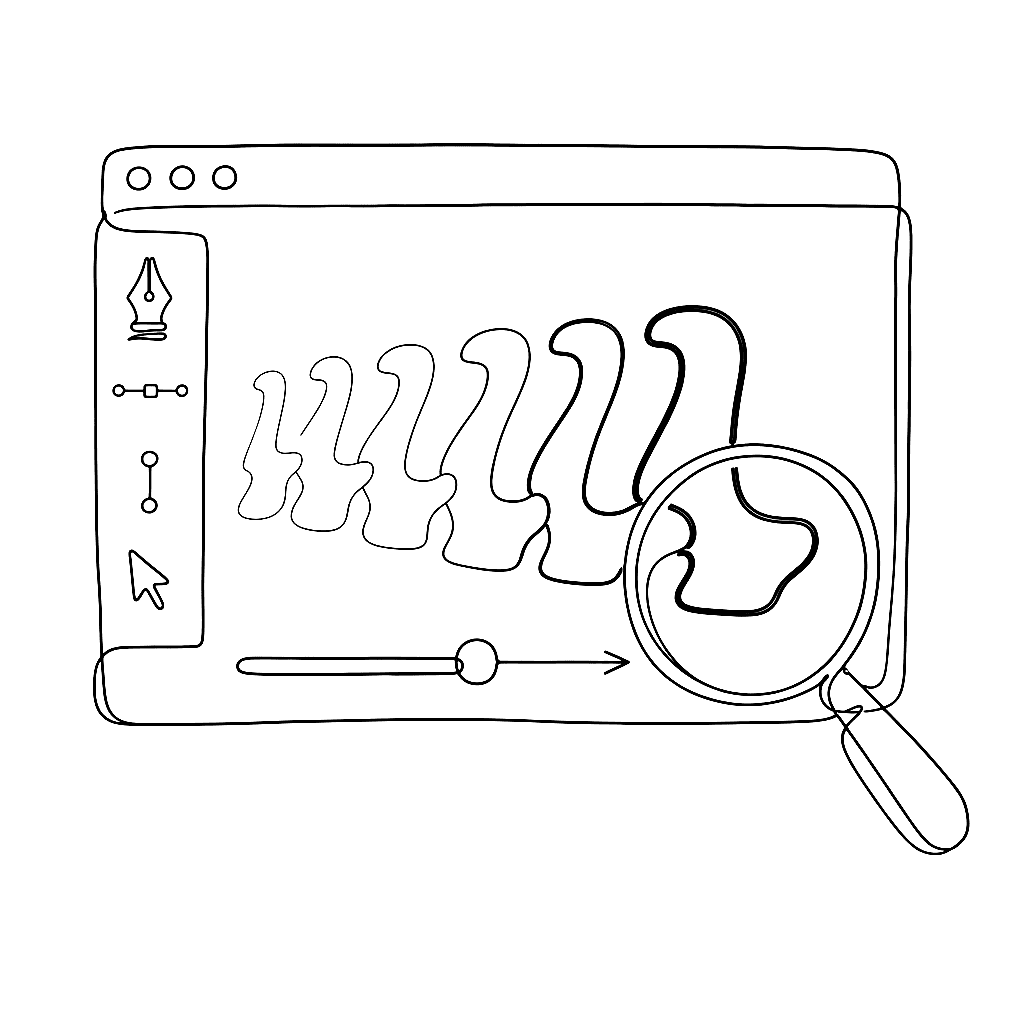
This 19-minute presentation by Adam Twardoch, delivered at ATypI Tech Talks 2021, goes beyond building variable fonts to the harder question: making them good. It covers quality assurance, interpolation checking, and the tools in FontLab 7 and related applications that help catch problems before a variable font ships.

FontLab

FontLab 7: a year in updates

FontLab 7 launched in December 2019 with over 250 new features. Twelve months later, it has rather more than that. Here is what the 2020 update cycle actually delivered — not counting FontLab 7.2, which has its own post.

FontLab

Basics of spacing in FontLab 7

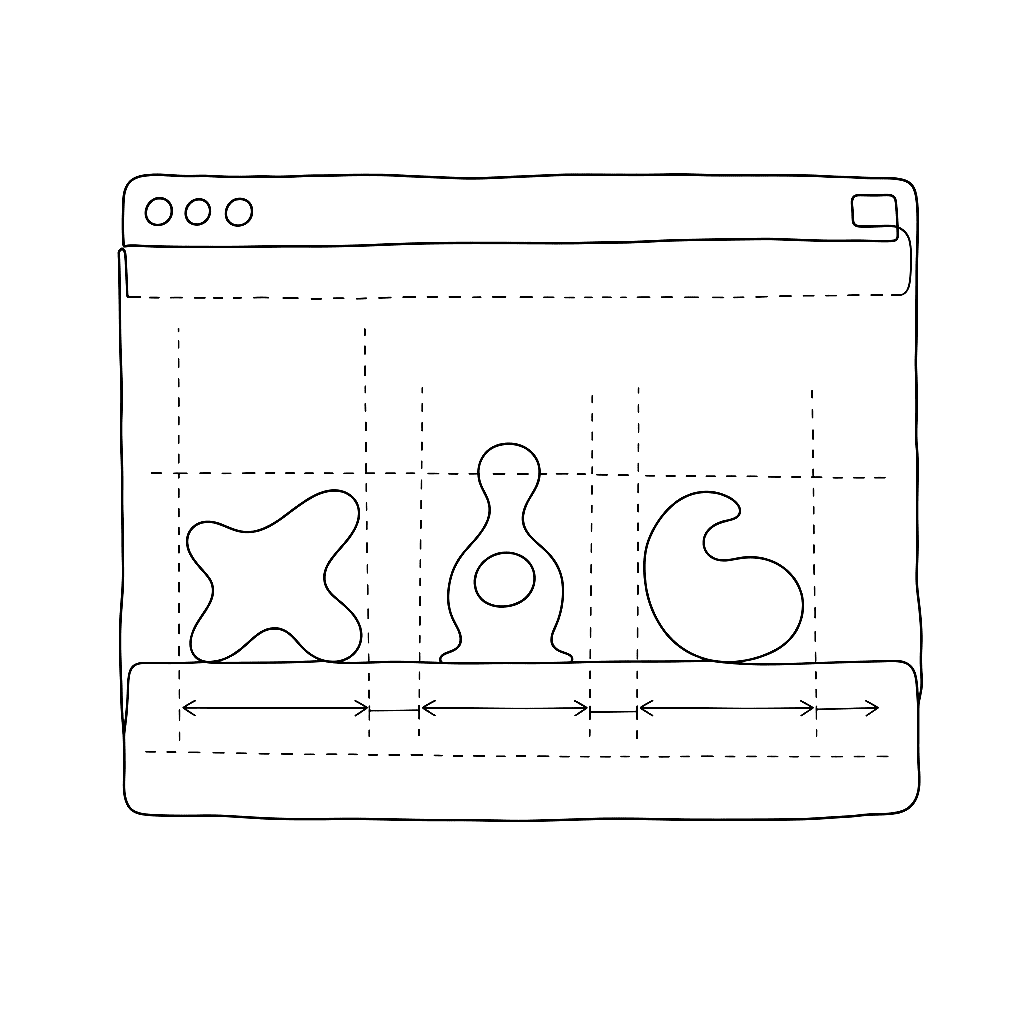
Spacing is the invisible work that determines whether a font feels effortless or labored to read. This five-minute tutorial from Dave Lawrence’s FontLab 7 series strips the topic down to its essentials: what sidebearings are, how to set them in the metrics window, and how to evaluate spacing visually as you work.

FontLab

Import artwork into FontLab 7

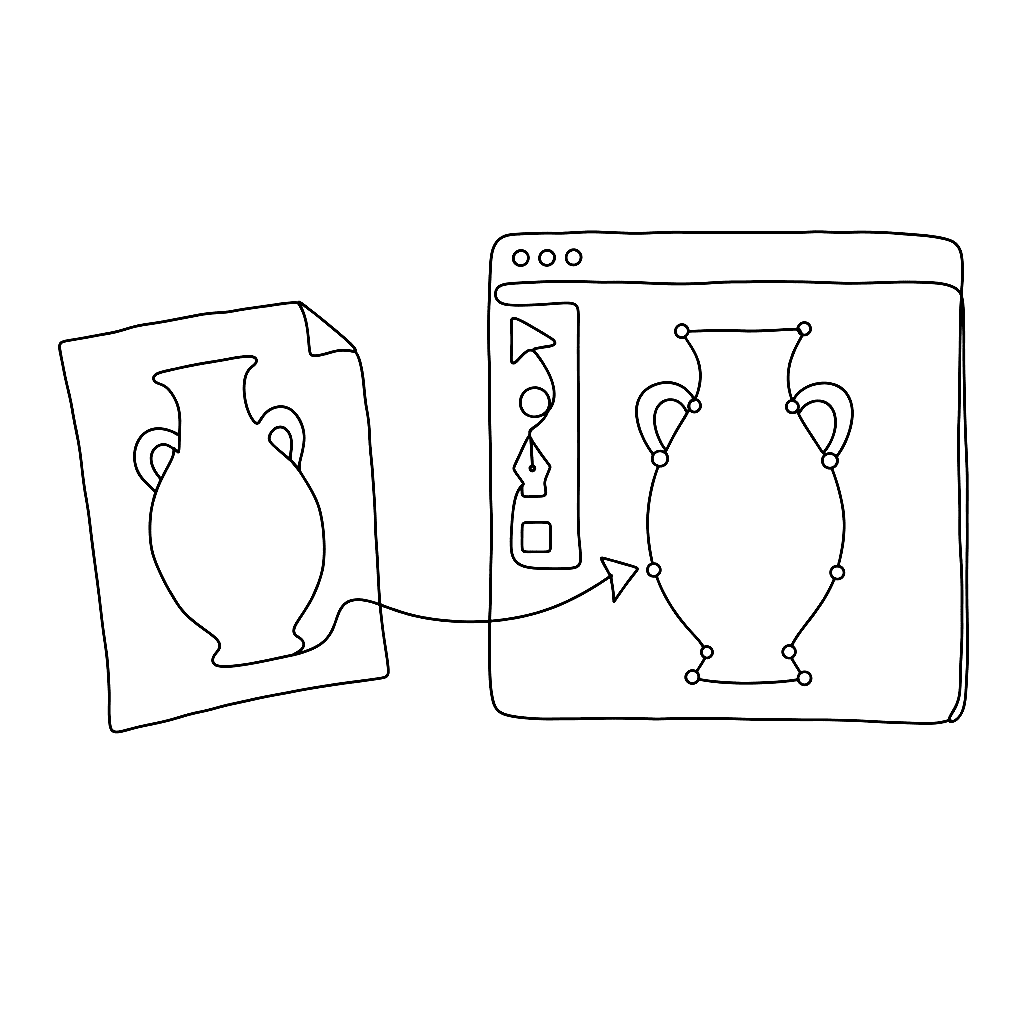
Most type designers don’t draw directly in the font editor — they sketch in pencil, refine in Illustrator or Affinity Designer, then need to get that artwork into FontLab cleanly. This eight-minute video from Dave Lawrence’s FontLab 7 series shows exactly how.

FontLab

Say hello to FontLab 7.2

FontLab 7.2 is a free update with 120 new or improved features. The headline: interpolation now runs 30× faster. New tools include Rotate, Scale, and Slant; an adaptive freeform grid with Suggest Distance; variable and attached components; visual OpenType feature proofing; and Microsoft VOLT integration. Existing FontLab 7 users get it free; FontLab VI users can upgrade for $99.

FontLab

FontLab 7.1: ink traps, harmonized handles, and quick measurement

FontLab 7.1 landed in March 2020 as a free update to all FontLab 7 users, delivering over 70 new and improved features and 80 fixes across five point releases between March and August 2020. The headline additions — ink traps, harmonized handles, looped corners, and quick measurement — gave designers finer control over node behavior and optical geometry than any prior version.

FontLab

FontLab Studio 5, Fontographer 5 and TypeTool 3 on macOS 10.15 Catalina

macOS 10.15 Catalina drops all 32-bit app support, which means FontLab Studio 5, Fontographer 5, TypeTool 3, and BitFonter 3 for Mac will not run on it — and porting them to 64-bit is not feasible. If you are on Catalina, your options are CrossOver Mac 19 (run the Windows versions via a thin emulation layer), a virtual machine running an older macOS or Windows, or upgrading to the 64-bit FontLab 7.

FontLab

Design space axes and multiple masters in FontLab VI

Variable fonts force you to think in multiple dimensions at once. This four-minute video shows exactly how to set up a design space with axes and masters in FontLab VI. It gives you a concise, visual introduction to the core concepts behind variable font production.

FontLab

From sketch to font in minutes with built-in ScanFont

This two-minute demo of the built-in ScanFont feature has over 40,000 views. It earns that attention by showing something genuinely useful in record time. You scan or photograph hand-drawn letterforms, paste them into FontLab, and the software traces them into editable outlines.

Adam Twardoch

DTL OTMaster 7.9 available now

DTL OTMaster 7.9 adds support for variable OpenType fonts. This includes the fvar, gvar, CFF2, STAT, HVAR, and MVAR tables. It includes a new Proofing Tool for printing and exporting PDF specimens, and a Side-by-Side Viewer that shows variation instances.

Available for macOS, Windows, and Linux. A full license is US$228. Upgrades from previous versions are US$57.

FontLab

FontLab VI 6.0.9 update

FontLab VI 6.0.9, together with the previous 6.0.8 update, brought a batch of editing and export improvements. Both were free updates.

FontLab

FontLab VI is here

FontLab Studio 5 was a workhorse. It shipped in 2004 and carried a generation of type designers through the OpenType transition. The app aged gracefully, right up until it didn’t. On 7 December 2017, we replaced it.

FontLab

What's up with VI @ FontLab?

A quick status report from the Public Preview period: FontLab VI was close to done, the bug list was short, and Variable Fonts were the last big feature going in.

FontLab

FontLab VI on macOS 10.9

Newer FontLab VI builds require macOS 10.10 Yosemite or later. Earlier Public Preview builds ran on 10.9 Mavericks; that support is ending.

FontLab

Deprecated vs. discontinued

“Discontinued” and “deprecated” sound like the same thing. At FontLab they mean two different fates for an old product, and the difference matters if you depend on one of them.